Red Poppies at Lake Louise: Value & Color Studies

In 1989 I visited Lake Louise, and the reason I took this photo was due to the vivid poppies against the teal blue lake. I would like to paint the poppies and the lake, but I need to do a value study and a color study.
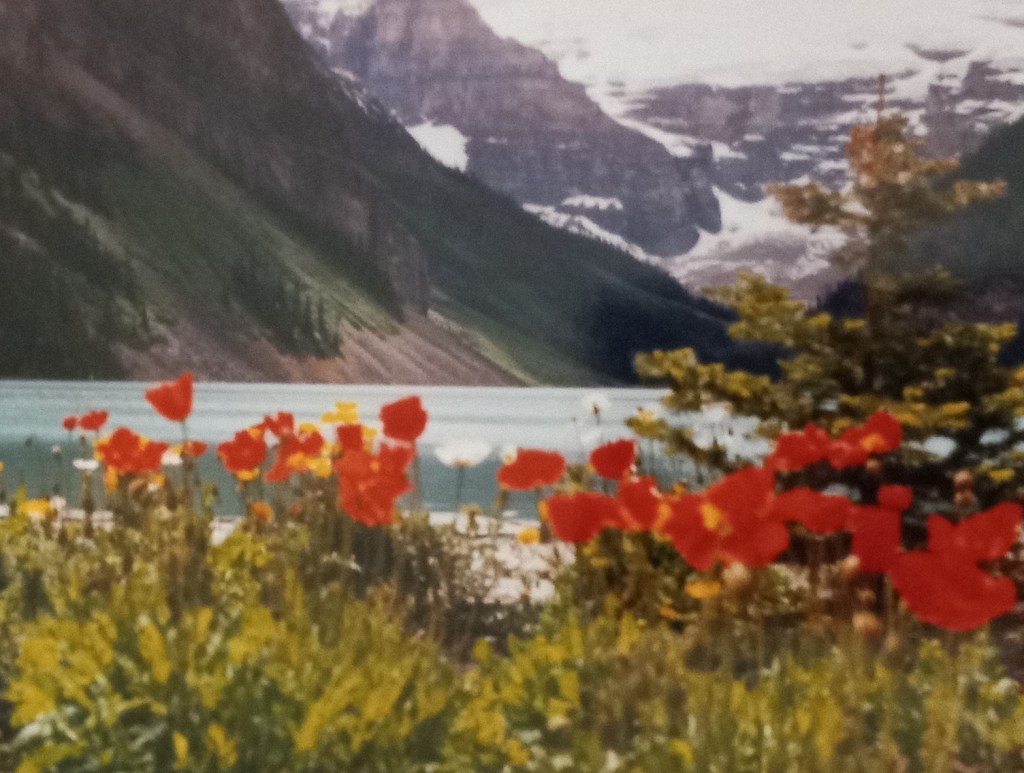
I took a photo of my photo and turned it into grayscale, discovering that the red poppies and the sunlit grass are the same value.

After doing 5 different value studies, I decided to use the lower one of the two, where the number of values is simplified down to three.

I’ve decided to remove the tree at the right — too much clutter, and to remove the snow-covered rocky mountain in the background, making it just (overcast) sky. This is so the flowers will be highlighted.

Below I’ve put together a grouping of colors. The mountains are fairly close to the poppies so I want them dark. I need to adjust the sky color, though, and perhaps make it more of a gray purple.

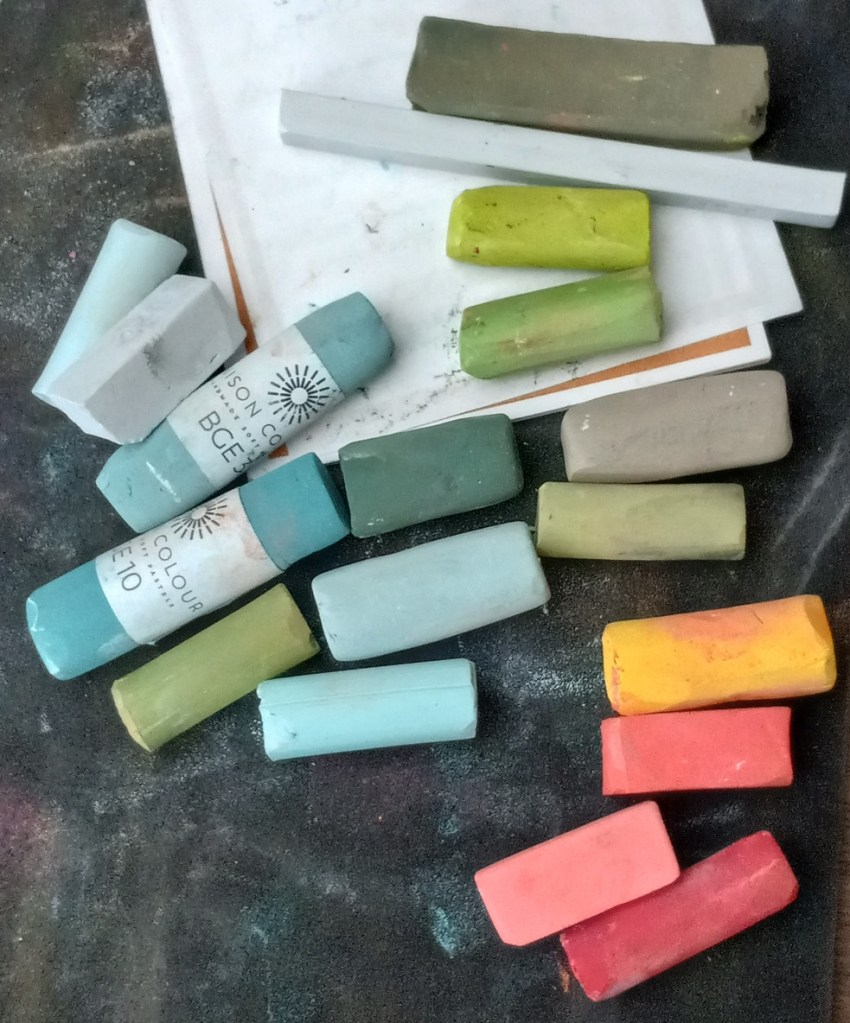
Proposed colors

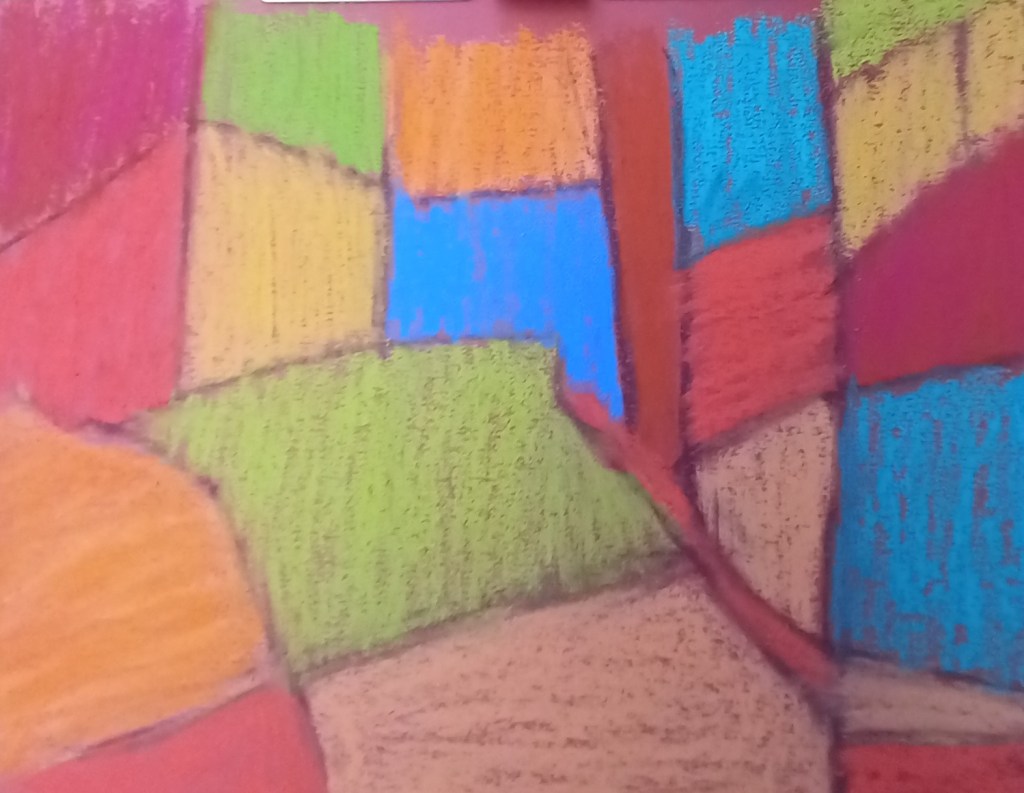
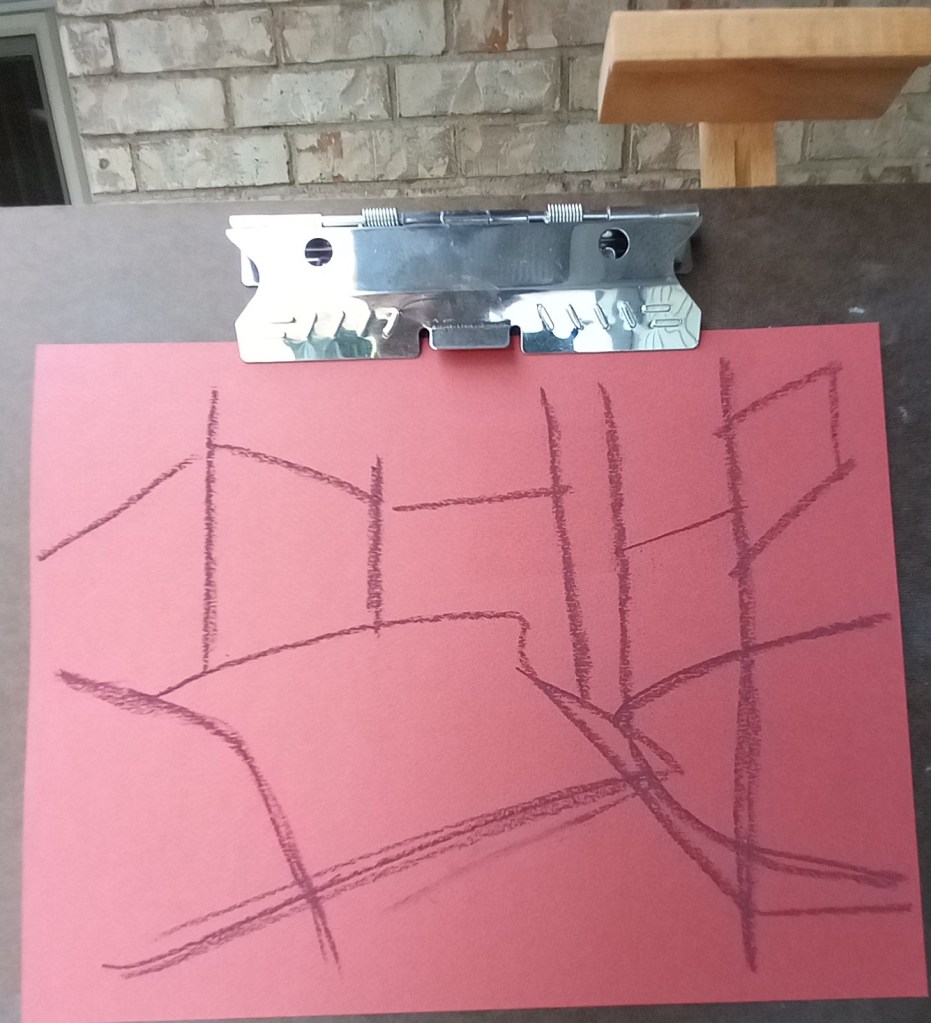
Using NuPastel as Underpainting… Paper Differences

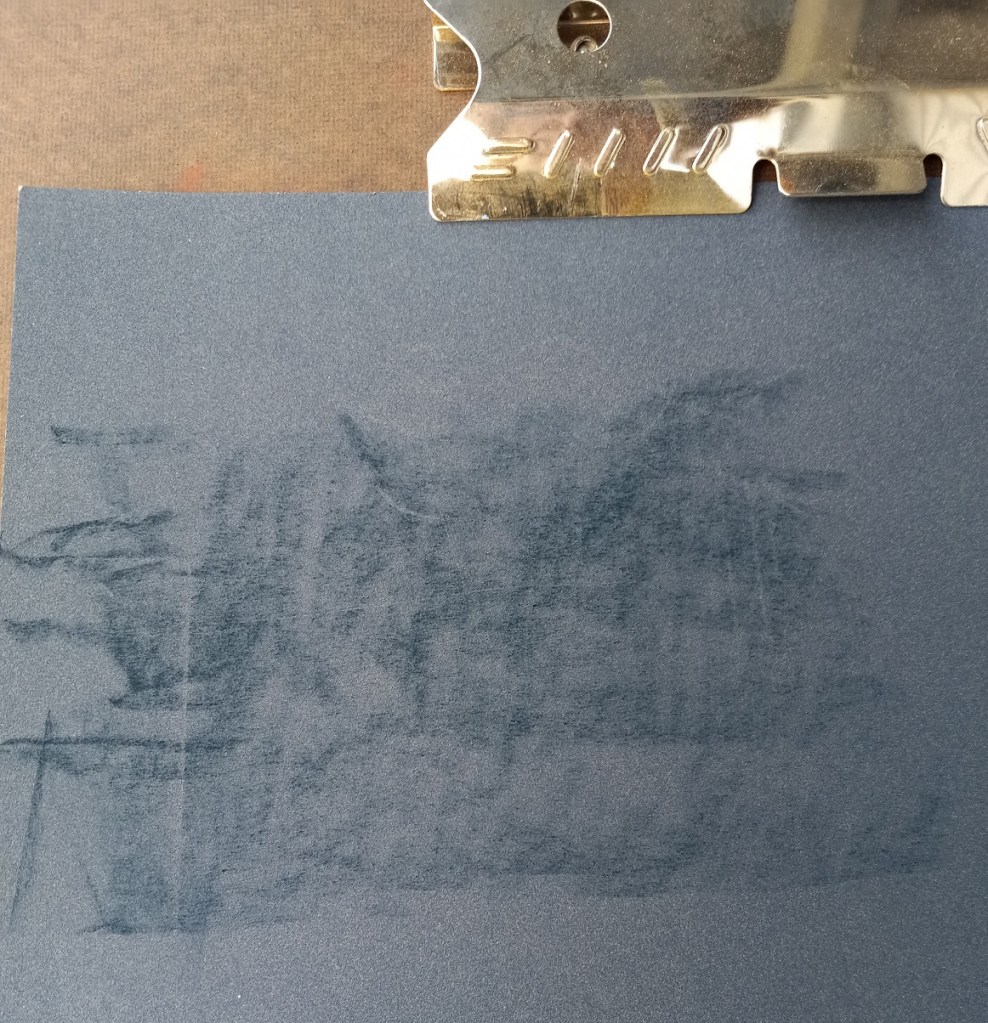
Sometimes doing the NuPastel thing doesn’t make sense to me. I noticed on one of my follow-along courses that the suggested paper to use was dark blue Pastelmat, and the suggested underpainting was to be done in Blue Spruce NuPastel. But the instructions in the form of a PDF clearly showed a taupe-colored paper, because Blue Spruce doesn’t really show up on a dark blue paper!

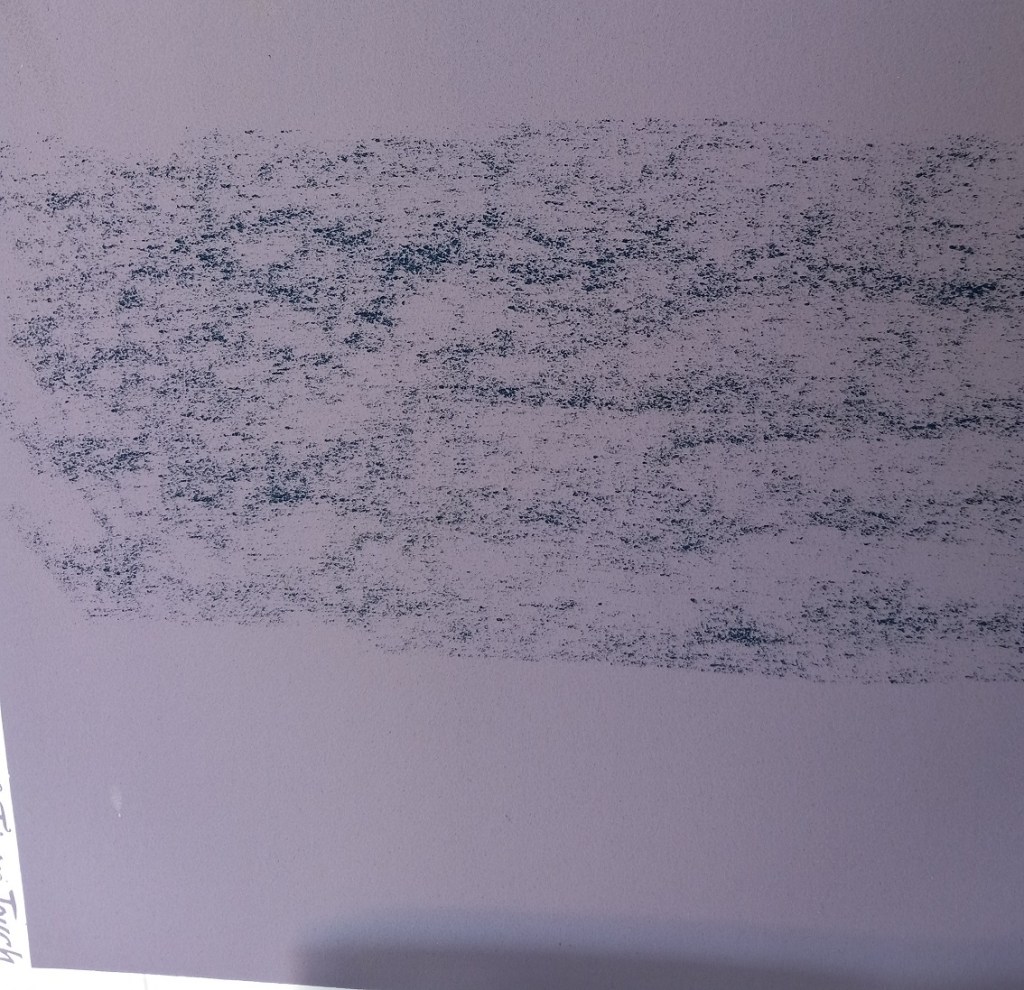
In any case, I tested the NuPastel by using a light touch on two different papers: the dark blue Pastelmat (where it went on “like butter”) and gives more coverage, even without rubbing it in, and the twilight Canson Touch, where it was hard and scratchy, and seemingly added no value at all!

PastelMat
Canson Touch

I later attempted to brush it out of both papers, and failed. All it did was smear and grind in. Ugh!

Evaluating the Follow-along Sunset

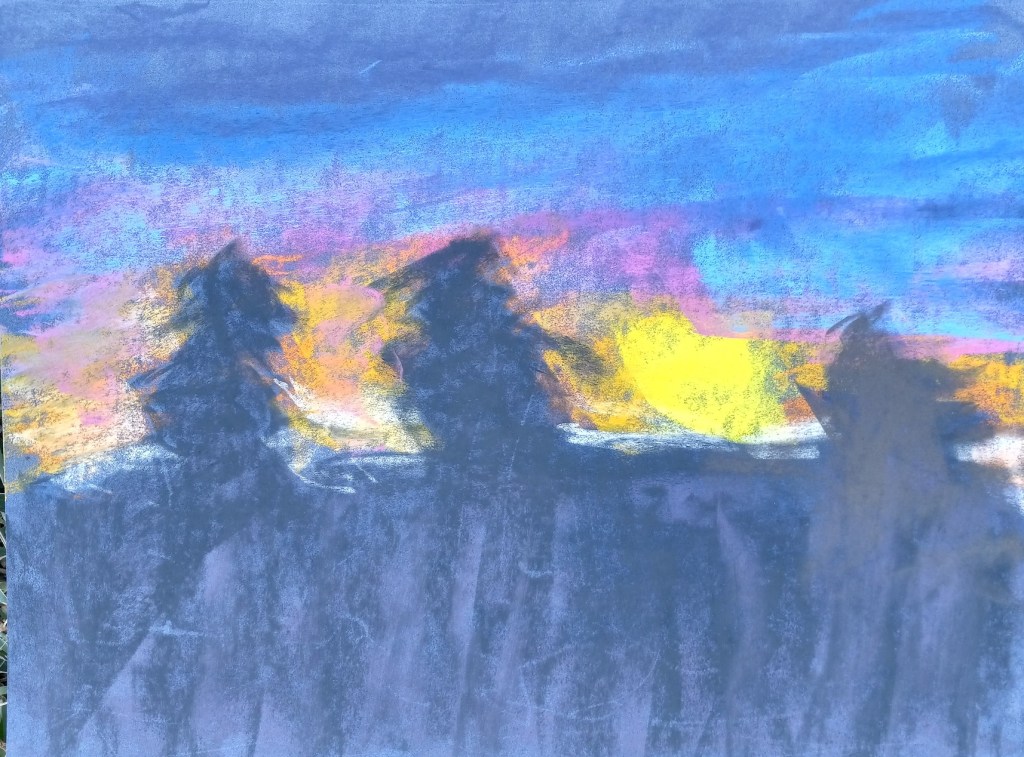
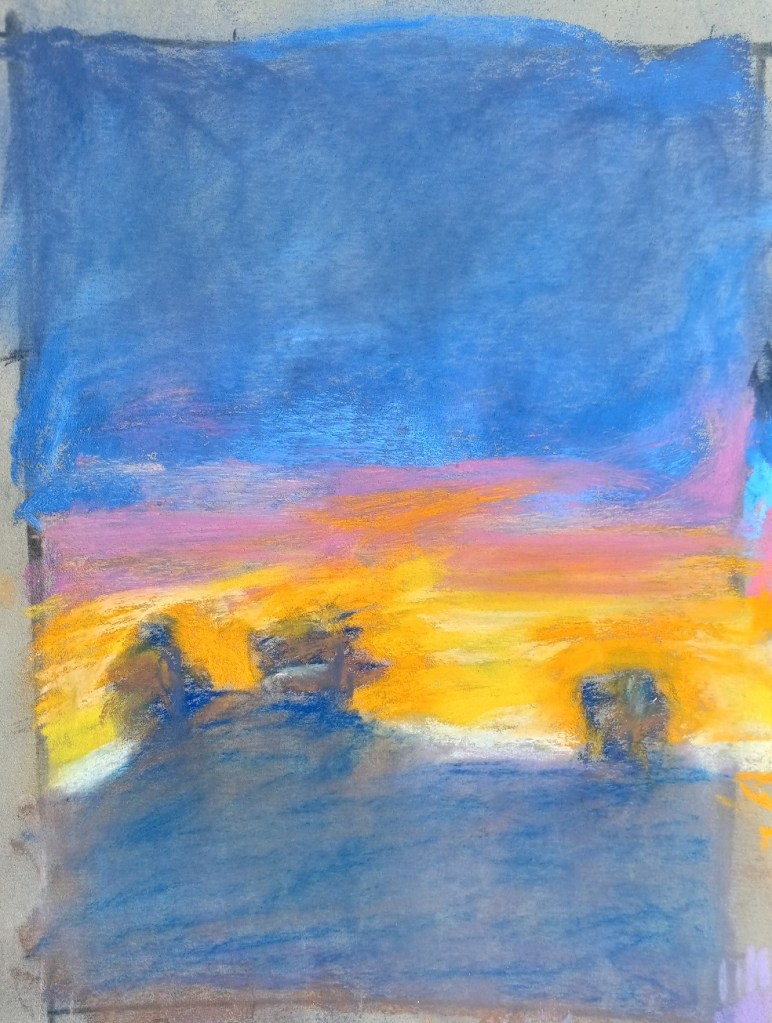
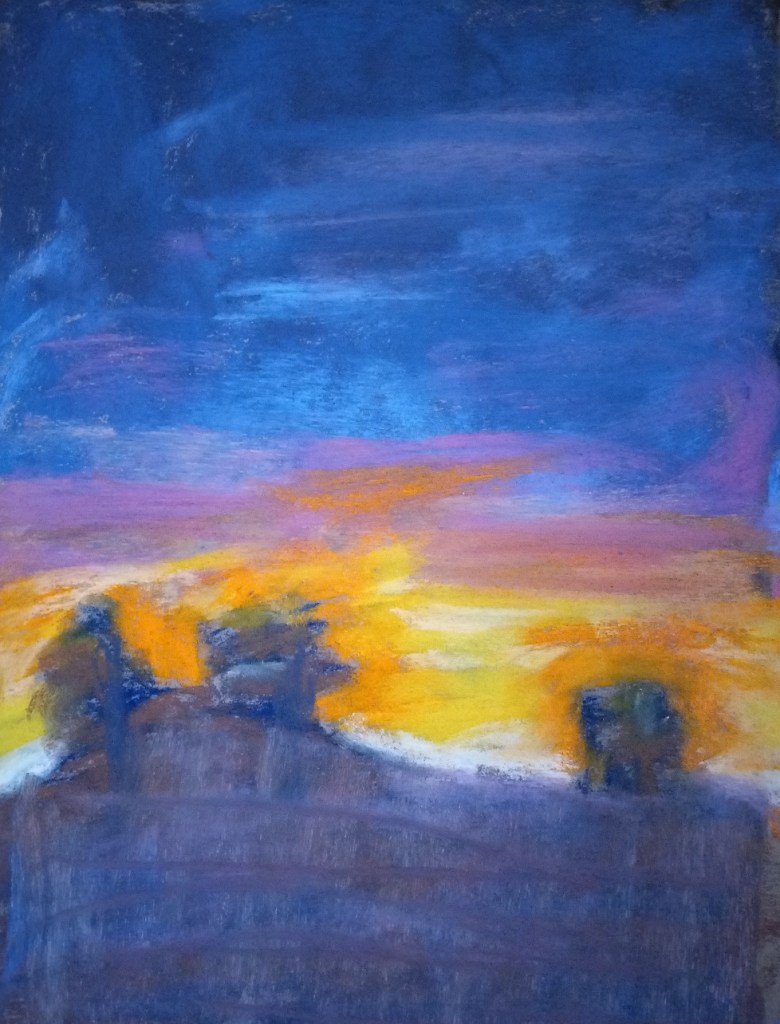
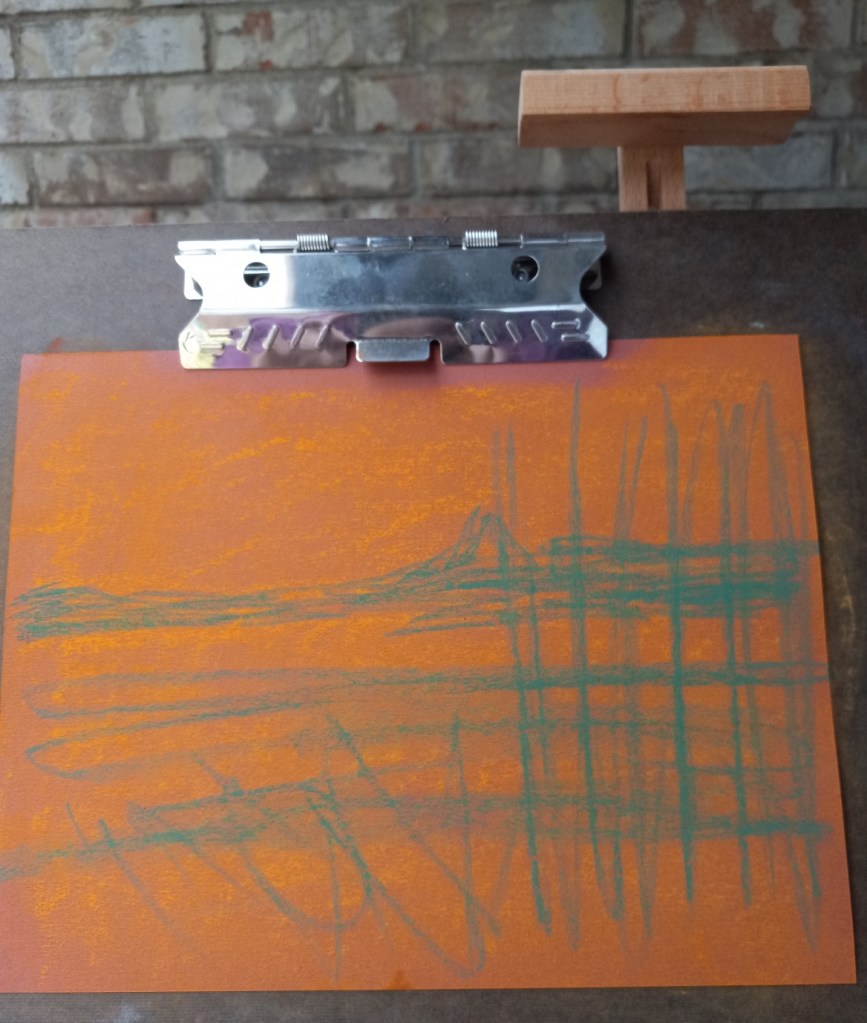
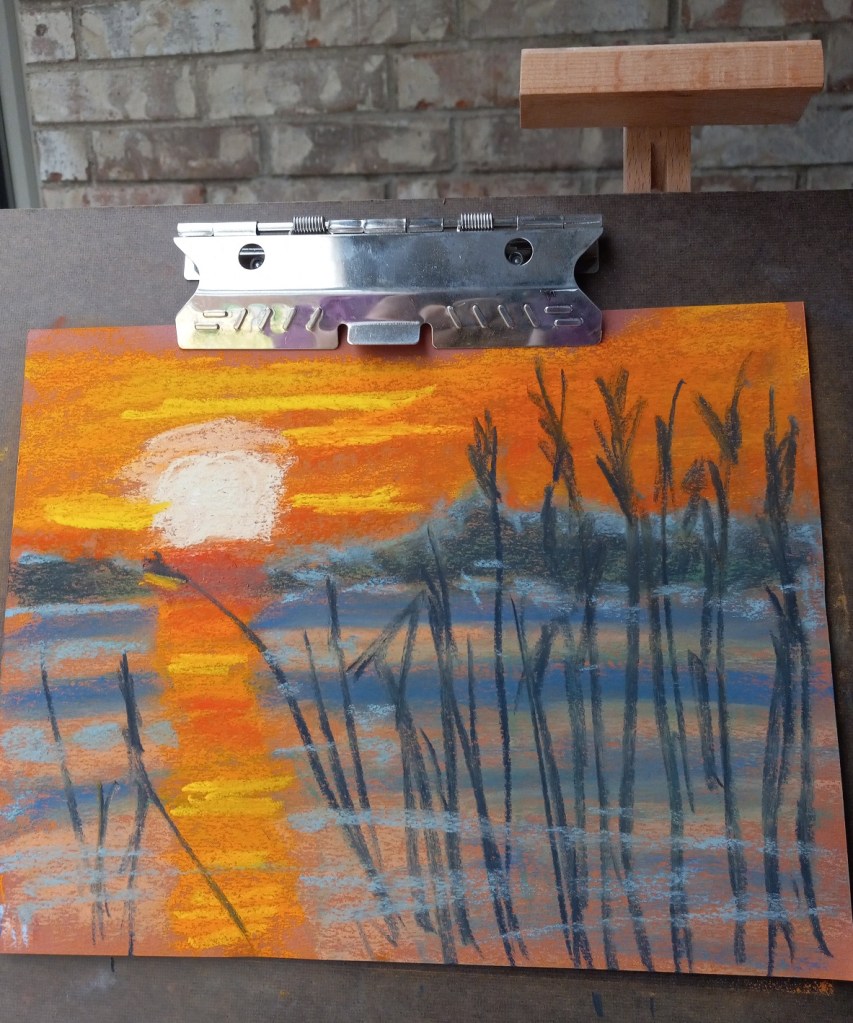
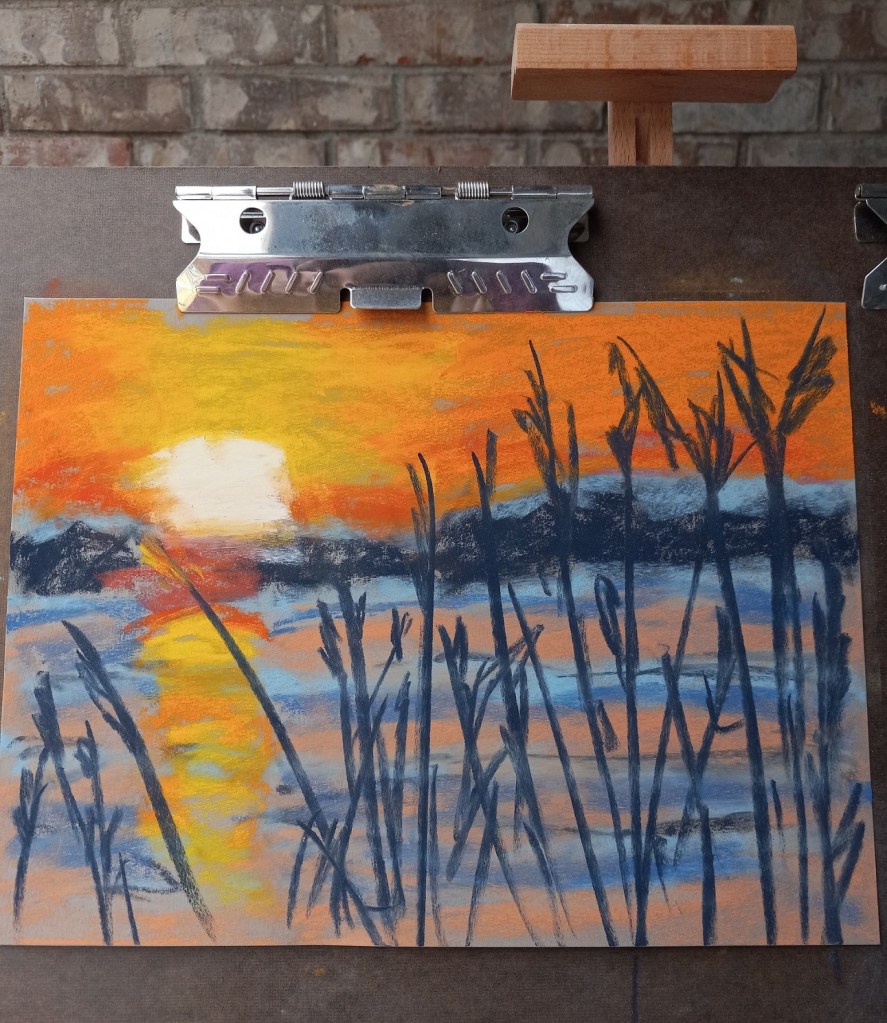
Two of the things I recognized as being at issue with my follow-along painting from Marla Baggetta’s Sunsets in Pastel course are: my heavy touch (which led to “mud”) and my poor job at the underpainting.
The original picture is below on the right. To counteract the muddiness, I experimented with removing excess pastel in the ground area as well as the upper sky by using an inexpensive bristle brush.

The brush-off showed yet another problem — the underpainting which amounted to nothing more than a scribble. I should have done a wet wash, or a dry wash and not leave the scribbles!

That said, another thing was that I used the Blue Spruce NuPastel on Pastel Premier paper (320 grit); I had difficulty moving the hard pastel around.

So I decided to make a second attempt at the scene, being careful to keep a LIGHT touch.

After brushing off excess pastel

3 Times a Hot Mess… But at least I’ve Learned something!

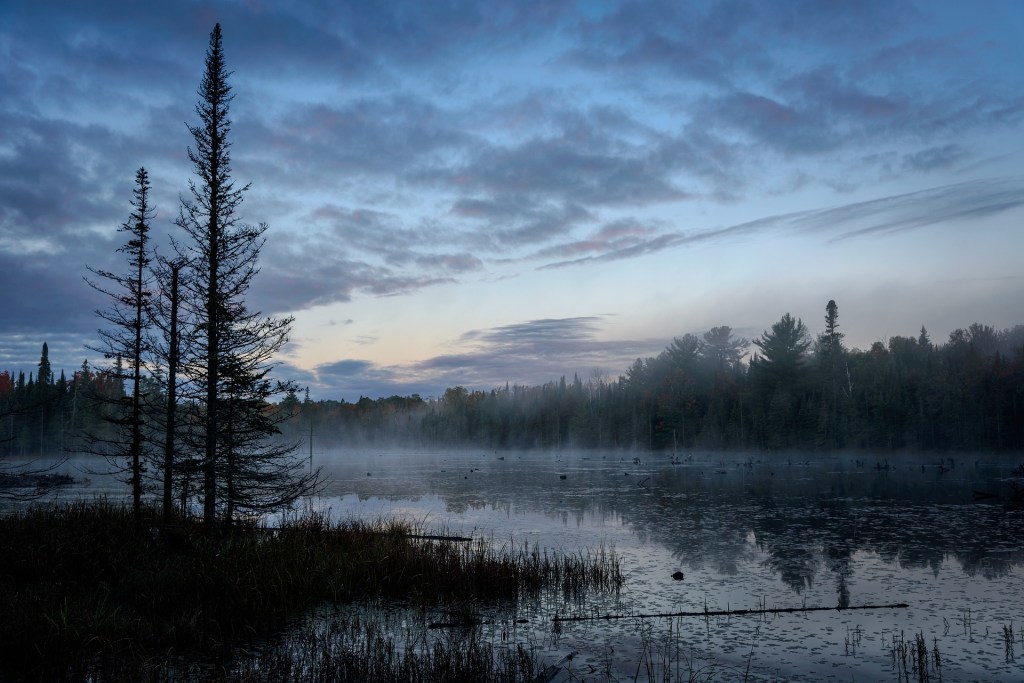
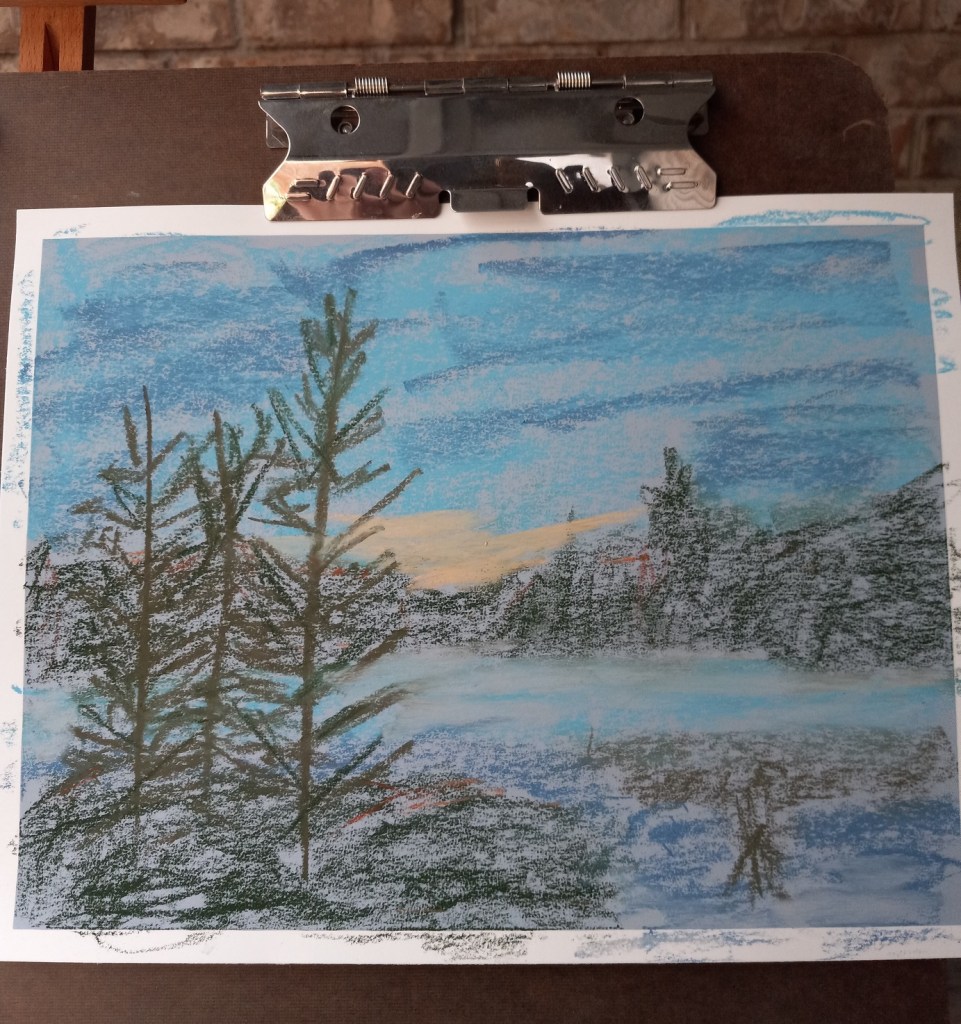
This project was based on an image by MustangJoe from Pixabay. I used Colourfix Smooth in Blue Haze all three times, as well as using the same palette.

All three efforts were failures, but at least I learned a few things.

Attempt #1

First time around, I did an underpainting (of the dark areas only) using a Blue Violet NuPastel. Using this color was a BAD idea! Why? Because I would later add a dark gray-green, and a reddish brown on top of that blue violet, which made mud. Ugh!

First time around, I also used too heavy a hand, in effect scribbling with the pastels trying to cover the paper. Bad idea — too heavy a hand can ALSO create mud.

First time around, the pine trees were cartoonish. But I was so frustrated with the mud mess I didn’t care at that point!

Attempt #2

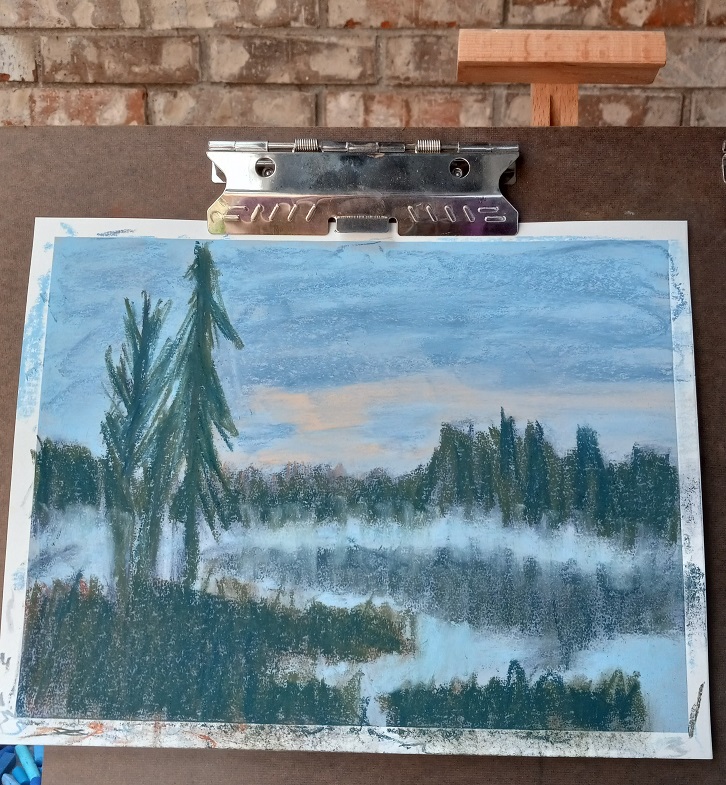
  • My second attempt was successful in that I maintained a much lighter touch. But I still had mud because I still did the Blue Violet underpainting before using the dark green and the reddish brown.
  • The pine trees were rendered a little bit more like the photo, which pleased me.
  • I struggled with laying down color with certain pastel sticks. I ended up mostly with broad strokes done vertically, which doesn’t really work for the sky.

Attempt #3

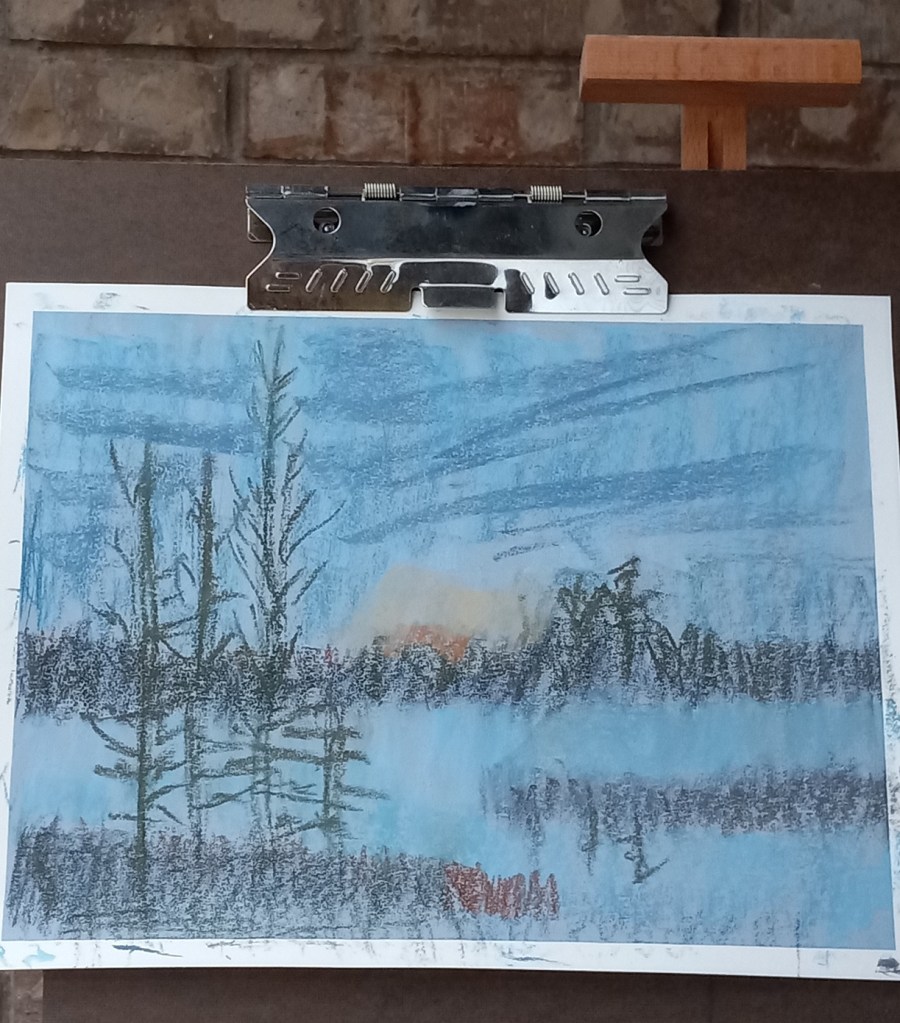
  • This time I skipped the underpainting — whew! Still had mud because the gray-green and the orangey-brown are NOT a good pairing!
  • Had better luck with making marks for the sky, but the colors are not quite right to my mind. In analyzing the source image, I realize there is more of a lavender hint to the darks rather than green brown.

I need to try colors with more purple and less green and brown. I may need to experiment with papers which have more grit.

Reference photo
Sticks used
Violet Blue NuPastel

Attempt #1
Attempt #2
Attempt #3

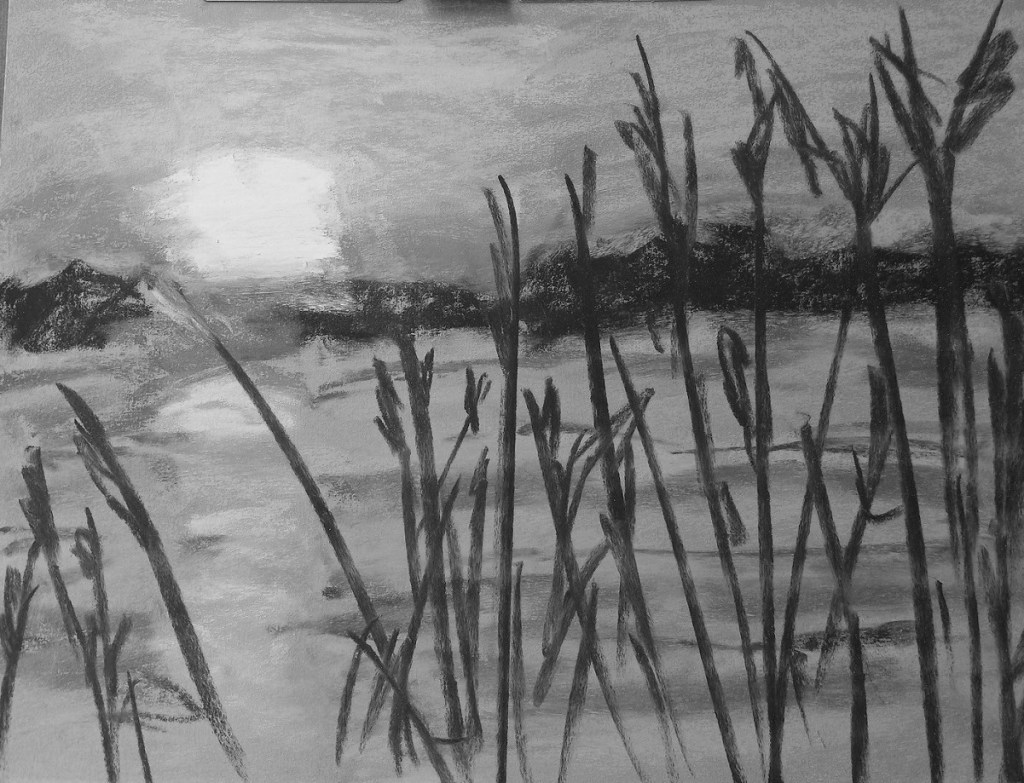
Two Landscape Studies: Different Papers

Today I did two landscapes using the same reference photo, and the same pastels, but two different papers and underpainting.

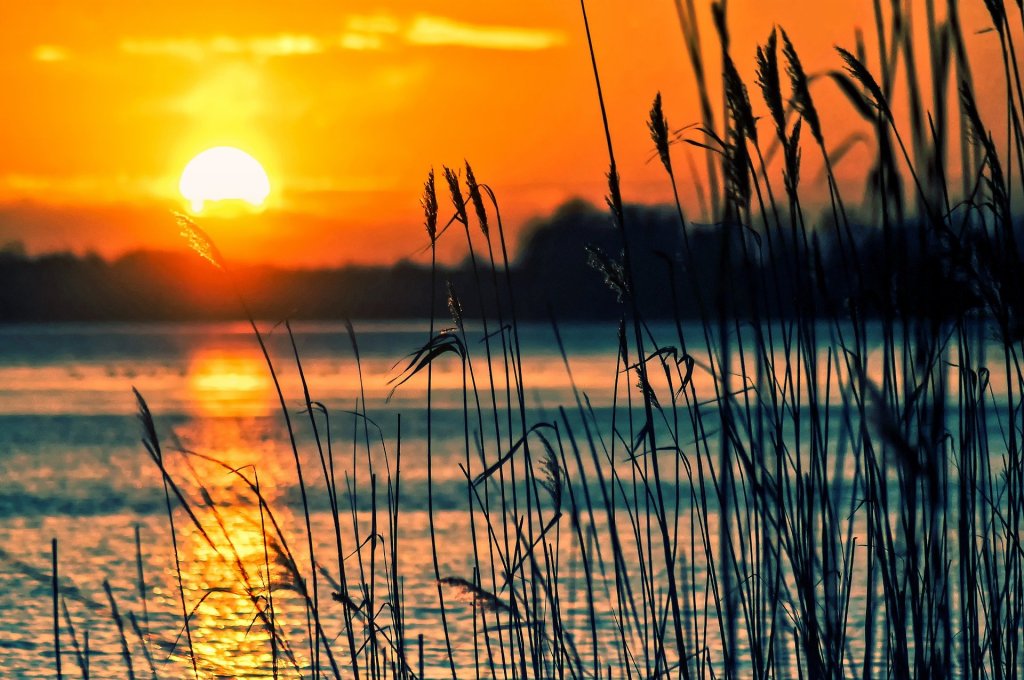
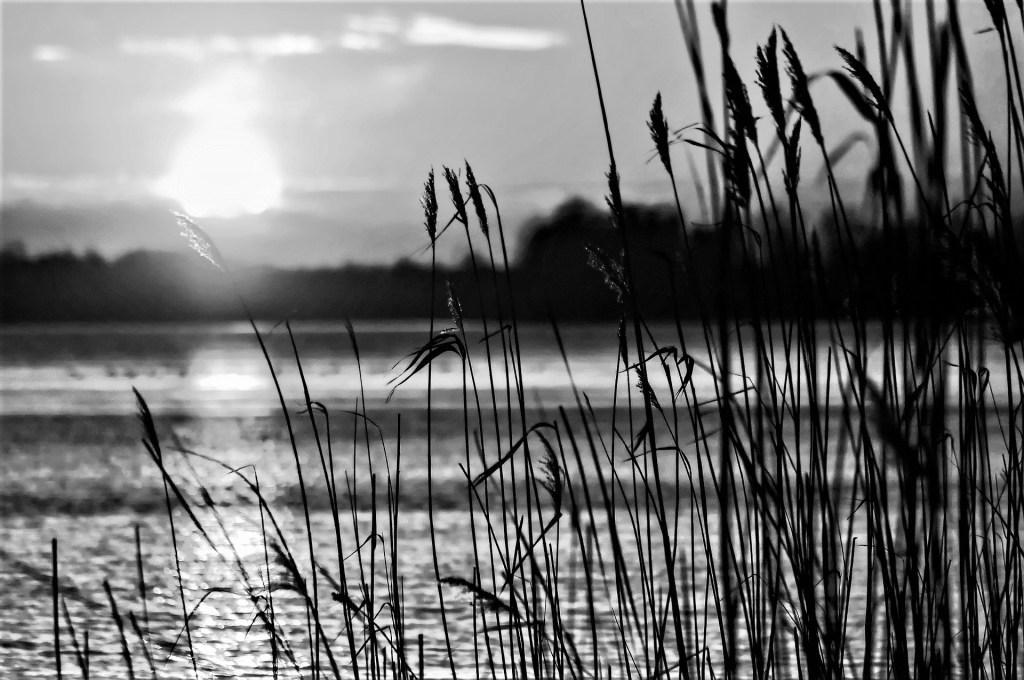
The reference photo was from an image by Tomasz Marciniak from Pixabay. I made it grayscale to verify there was sufficient difference in values.

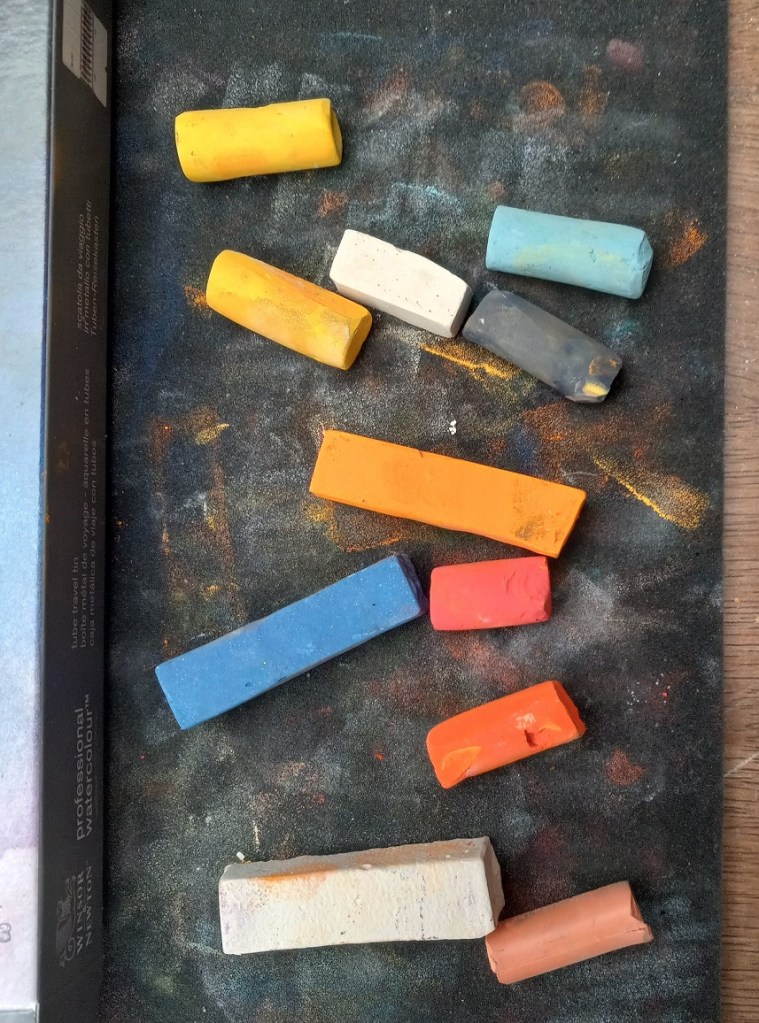
The pastels I used were Great American, Blick Artists’ Soft Pastels, Richeson Hand-rolled, and Blue Earth.

Pastels for sunset at the lake

The first painting was done on Canson Mi-Teintes (smooth side) in the Red Earth tint. I did an underpainting with NuPastels (212 – Deep Orange, and 378 – Erin Green).

The second painting was done without any kind of underpainting, and using Pastel Premier paper in Italian Clay, a 320 grit sanded paper.

Here are the 3 pictures in grayscale: the original photo, the pastel on Canson paper, and the pastel on Pastel Premier.

Here are the three images in color (same order):

Color Study with the Color Grab App

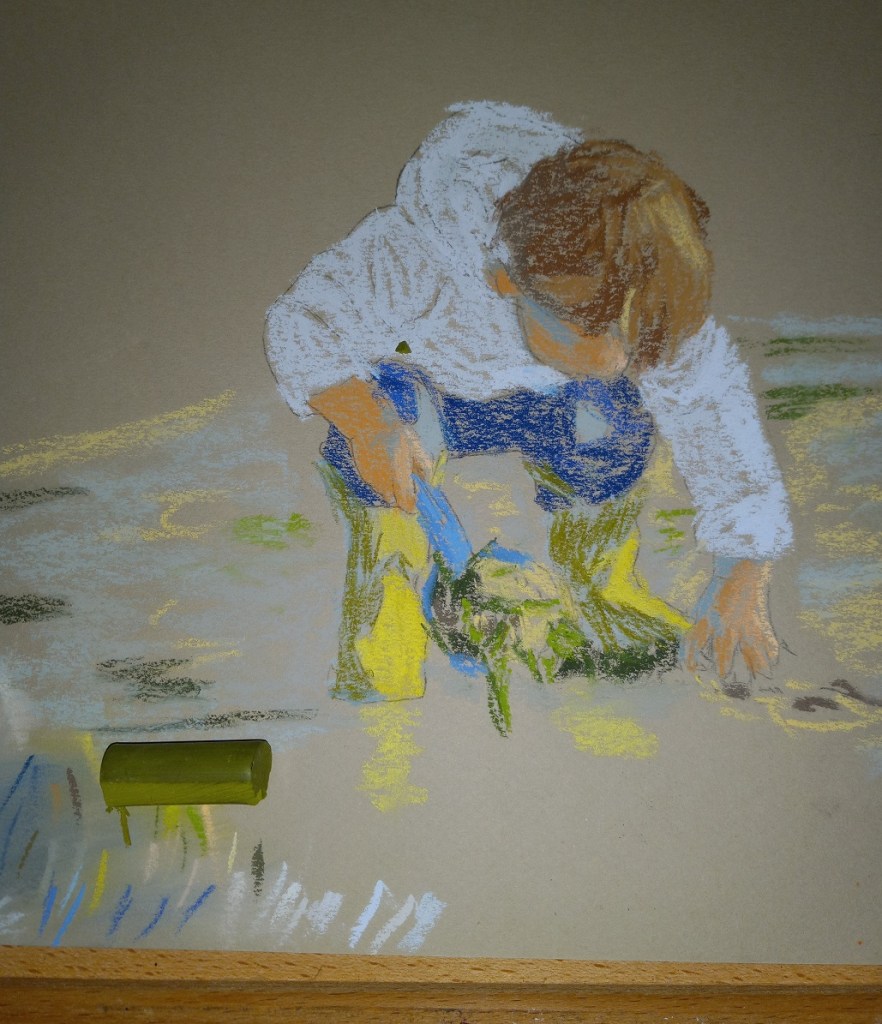
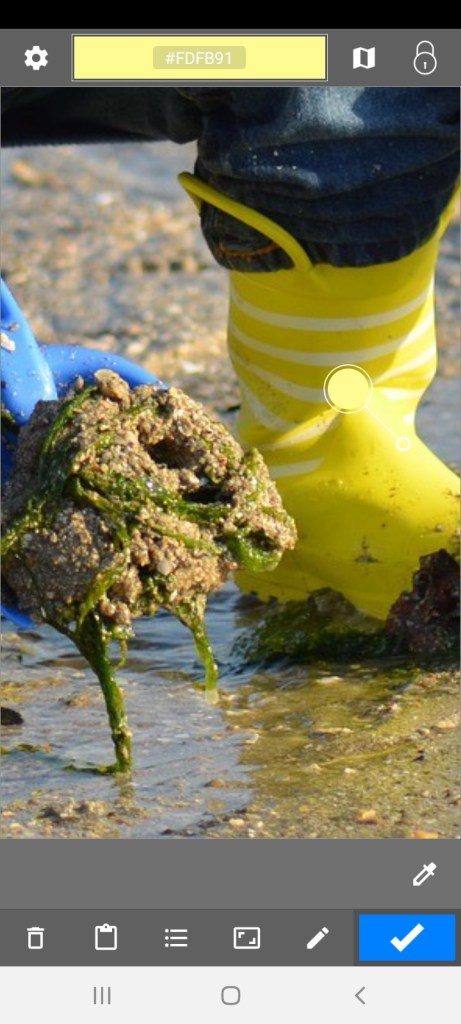
I was uneasy about my color selection for the little boy’s rubber boots — the part in shadow. The color constancy illusion would lead one to think the entire boot is yellow, but if you squint and then look at the photo, the boot in shadow is clearly not the same yellow as the boot in sunlight. So, at first I used a bluish-gray for the boot in shadow.

Then I remembered, I have the “Color Grab” app on my Android phone! I can check the suggested color, and then see if I have a pastel to match.

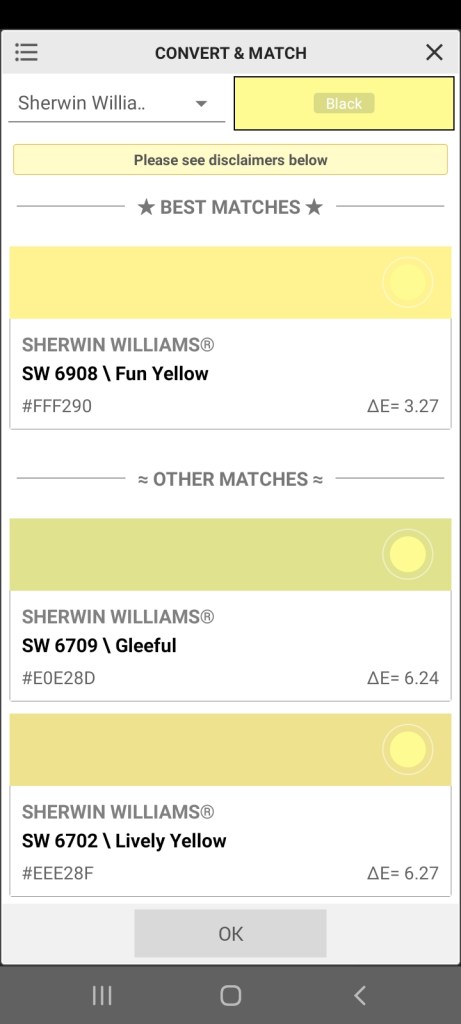
“Color Grab” showed the shadowed boot to be a yellow green, as shown in the first screen grab (see the small and larger white circles). Then you click on the Hex code for the color, and, if a listing of approximate paint colors is available, they will be listed. That display is what I used to approximate a pastel stick color.

I then added the yellow green color to the boot, but I need to blend it in.

In addition, the sunlit part of the boot is actually a whiter (paler) yellow, as shown by the screen grab, so I will need to adjust as appropriate there.